Private Election Process
For groups, organizations, and committees where you need to control exactly who can participate.
Create a Voting Room Admin Only
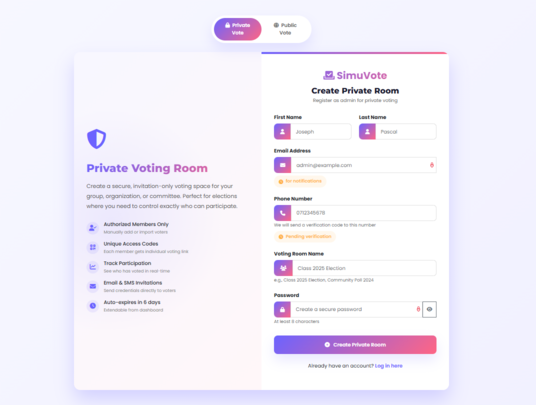
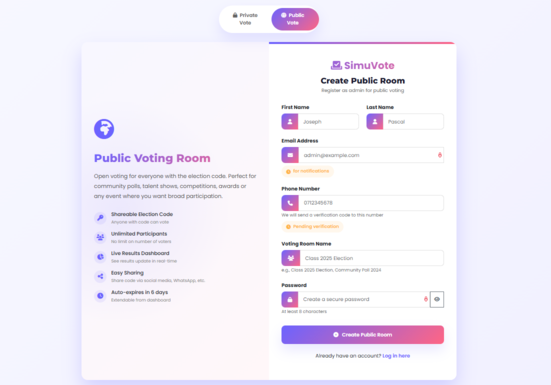
The group admin registers and creates a new private voting room. They fill in their details (two names, phone, email optional, voting room name, and password). After phone verification via SMS, they receive the unique 6-character election code (e.g., A1B2C3) and election details via both email and SMS.
Add Positions & Members Admin Only
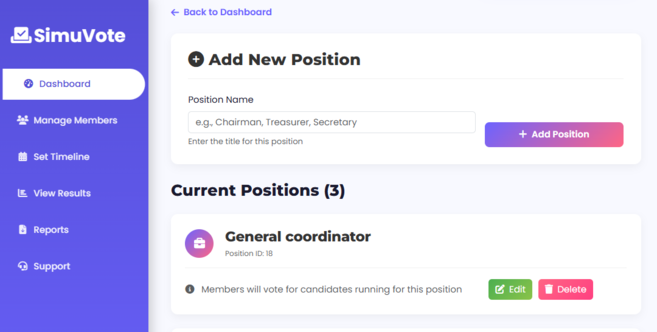
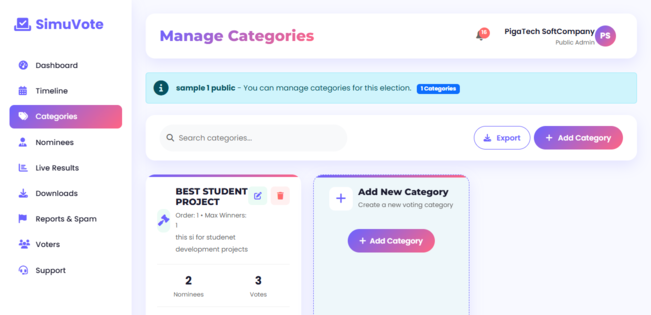
The admin goes to Dashboard → "Manage Positions" → Click "Edit" → "Add position" to create election positions (President, Secretary, Treasurer, Best Student Leader, etc.). Then they go to "Manage Member" → "Add Members" to add voters manually or via CSV upload with name and phone number. Added members receive default credentials via SMS.
Nomination Phase Members Propose
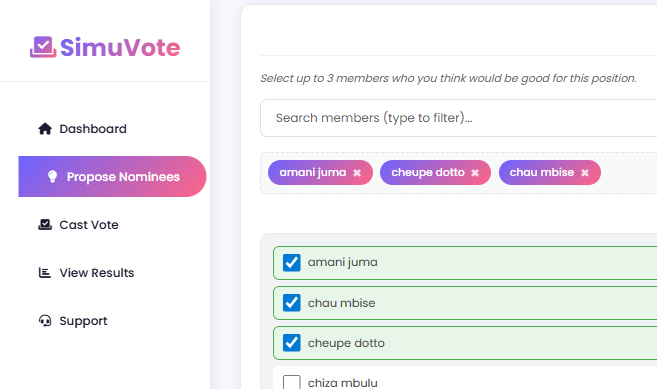
During the set time (max 2 days), any member can propose up to 3 people per position. The system automatically selects the top 2 (or 3 if there's a tie) most-nominated candidates for each role. Everyone can see real-time proposal counts.
Voting Phase Members Vote
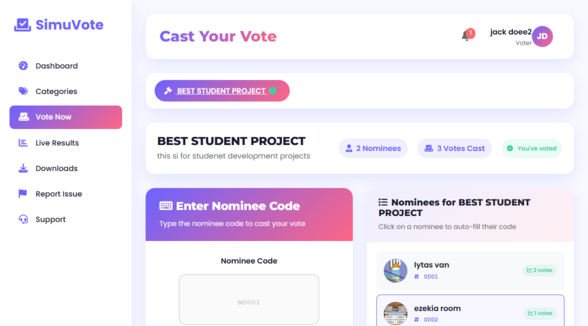
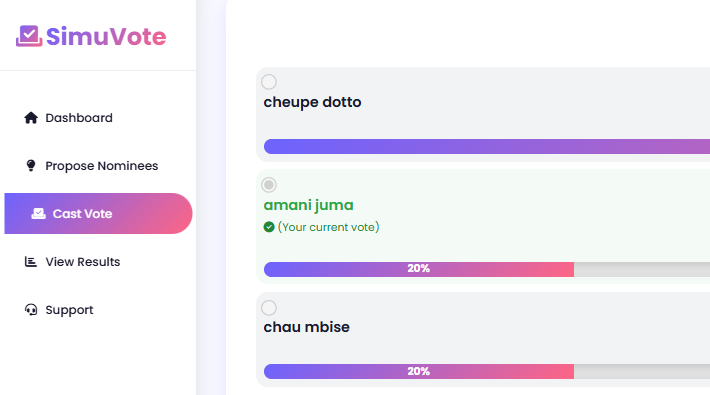
All verified members vote for one candidate per position (max 3 days). Votes are anonymous but secure (one vote per person). Members click "Vote Now" and vote at most 1 person in every position, then click "Submit Vote". Real-time results (counts and percentages) are visible to everyone. Votes are final and cannot be changed once cast.
Results & Cleanup Everyone
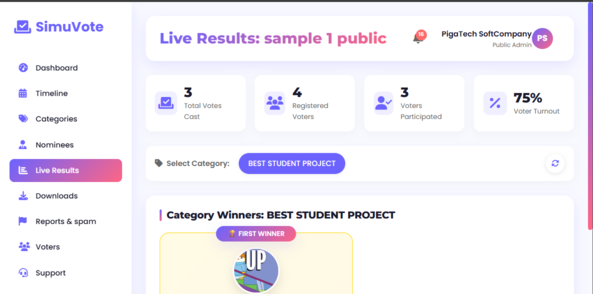
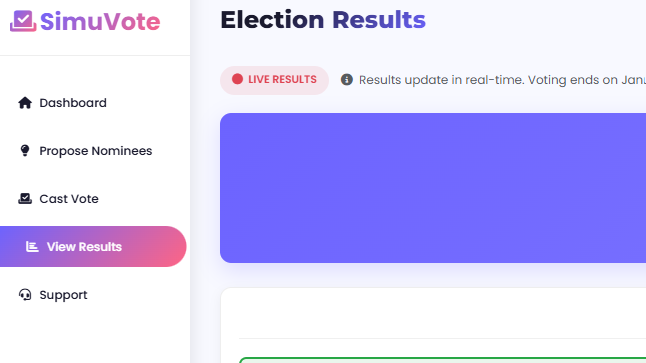
When voting ends, final results are shown for 24 hours. First and second winners are displayed per category with bar charts showing vote distribution. Anyone can download a report with votes and percentages (PDF, CSV, Excel). After 6 days from room creation, all data is automatically and permanently deleted for privacy.
.png)